

When life hands you lemons, make Helix Wheely?
- Thread starter blu_fuz
- Start date
You are using an out of date browser. It may not display this or other websites correctly.
You should upgrade or use an alternative browser.
You should upgrade or use an alternative browser.
- Status
- Not open for further replies.

im_alan_partridge
Member (SA)
Arh, thats interesting. My wheely has a faint hum when plugged in, is that fairly common on these?blu_fuz said:Well when I picked it up it really wasn't working at all. The lights came on, tapes weren't playing at any kind of listening volume or sound quality, had the typical transformer 'buzzzzz' when plugged in, and the battery door is missing.
The plan was to hopefully find a buyer on Boomboxery for it but now after going through and figuring out the issues, it is just about 100% fully working!! Went from door stop to shelf queen.
I think it is staying with me for now.

Yep, they will all pretty much have it unless you fix it. It hums as soon as you plug it in, it doesn't even need to be powered on to hear it.
Unplug unit.
-Take the back off.
-Bend the 4 small tabs up on the transformer case.
-Unscrew the 4 screws that hold down the transformer case.
-Slide the transformer out of the 3 sided case and set down and do not pull/stress the wires attached to it.
-Put 1 blob of rubber cement, caulk, RTV, or other flexible adhesive onto the inside of each of the 3 sides of the transformer case.
-Ease the transformer back into the 3 sided case.
-Screw the transformer/case back to the boombox.
-Bend the 4 small metal case tabs back down over the transformer.
-Install the back boombox case.
-Plug in and enjoy .
.
All done
Unplug unit.
-Take the back off.
-Bend the 4 small tabs up on the transformer case.
-Unscrew the 4 screws that hold down the transformer case.
-Slide the transformer out of the 3 sided case and set down and do not pull/stress the wires attached to it.
-Put 1 blob of rubber cement, caulk, RTV, or other flexible adhesive onto the inside of each of the 3 sides of the transformer case.
-Ease the transformer back into the 3 sided case.
-Screw the transformer/case back to the boombox.
-Bend the 4 small metal case tabs back down over the transformer.
-Install the back boombox case.
-Plug in and enjoy
.All done
im_alan_partridge
Member (SA)
Thanks Joeblu_fuz said:Yep, they will all pretty much have it unless you fix it. It hums as soon as you plug it in, it doesn't even need to be powered on to hear it.
Unplug unit.
-Take the back off.
-Bend the 4 small tabs up on the transformer case.
-Unscrew the 4 screws that hold down the transformer case.
-Slide the transformer out of the 3 sided case and set down and do not pull/stress the wires attached to it.
-Put 1 blob of rubber cement, caulk, RTV, or other flexible adhesive onto the inside of each of the 3 sides of the transformer case.
-Ease the transformer back into the 3 sided case.
-Screw the transformer/case back to the boombox.
-Bend the 4 small metal case tabs back down over the transformer.
-Install the back boombox case.
-Plug in and enjoy
All done


JustCruisin
Member (SA)
x2 I almost thought about bidding on it because it was only 3.5 hour drive away.. Figured you would get it for sure!baddboybill said:I figured you'd pick that up since it was around the corner from you. That's awesome
Bad Boy Bill

It was 3 hours from me, so not 'right' around the corner .
Put it this way, most of us know that the auction ended, with the reserve NOT met and I wasn't the high bidder.... when I showed up it was working WORSE than he said in the auction description! I was very dissapointed but couldn't leave it there.
He got his 'reserve' value from a canadian member on stereo2go and we were worlds apart.
.Put it this way, most of us know that the auction ended, with the reserve NOT met and I wasn't the high bidder.... when I showed up it was working WORSE than he said in the auction description! I was very dissapointed but couldn't leave it there.
He got his 'reserve' value from a canadian member on stereo2go and we were worlds apart.

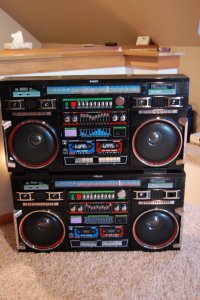
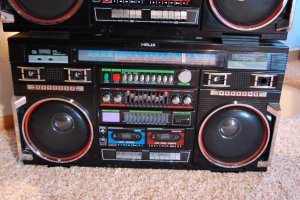
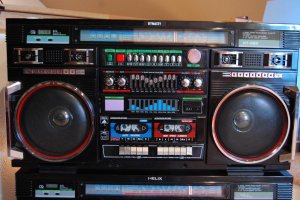

Lasonic TRC-920
Moderator




btphoto
Member (SA)
Mine doesn't hum at all. See this video:blu_fuz said:Yep, they will all pretty much have it unless you fix it. It hums as soon as you plug it in, it doesn't even need to be powered on to hear it.
Unplug unit.
-Take the back off.
-Bend the 4 small tabs up on the transformer case.
-Unscrew the 4 screws that hold down the transformer case.
-Slide the transformer out of the 3 sided case and set down and do not pull/stress the wires attached to it.
-Put 1 blob of rubber cement, caulk, RTV, or other flexible adhesive onto the inside of each of the 3 sides of the transformer case.
-Ease the transformer back into the 3 sided case.
-Screw the transformer/case back to the boombox.
-Bend the 4 small metal case tabs back down over the transformer.
-Install the back boombox case.
-Plug in and enjoy
All done
[media]https://www.youtube.com/watch?v=P93nYDda5xE[/media]
btphoto
Member (SA)
Keep it!! It looks great!blu_fuz said:I should have turned the flash on or used my tri-pid for the pics, woops!
I'm having a heck of a time convincing the wife to let me keep this Helix Wheely.....
DSC_0002.JPG
DSC_0003.JPG
DSC_0004.JPG
btphoto said:Mine doesn't hum at all.
Hey Bill, you know why it doesn't hum?
Yeah, I opened it up, peeled open the transformer case, and FIXED it before I shipped it out to you! I figured for the $$$ you had invested that it would be annoying for you to get it and have to hear that horrid vibration.
. You're welcome .
JustCruisin
Member (SA)
Found that triple stack pic someone mentioned:Lasonic TRC-920 said:WOW BRO! That's is super kick ass!
We need the triple blaster stack picture!

btphoto
Member (SA)
Bad boy billy sent me a replacement headphone jack so see if my theory was correct. Swapped them out and this motha Wheely JAMS! Slams waaaaay harder than my Dynasty holy cripes!
Took a gamble with this one, and besides a couple cassette quirks it is working great!
Boom boom BOOM!
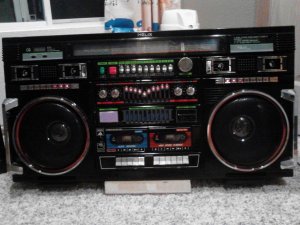
Took a gamble with this one, and besides a couple cassette quirks it is working great!
Boom boom BOOM!

baddboybill
Boomus Fidelis

fresh produce
Member (SA)
A lot of people didn't know, but I sold this to Bill a few months ago. He shined it all up, swapped the tweeter dust caps, and took good care of it.
I knew from the day I sold it that I shouldn't have. My wife is kind of pissed, but I wanted it back. It was so mint and worked so well that it would be hard to ever find one like it again. (but knowing my luck, maybe I would )
Here she is back at home.
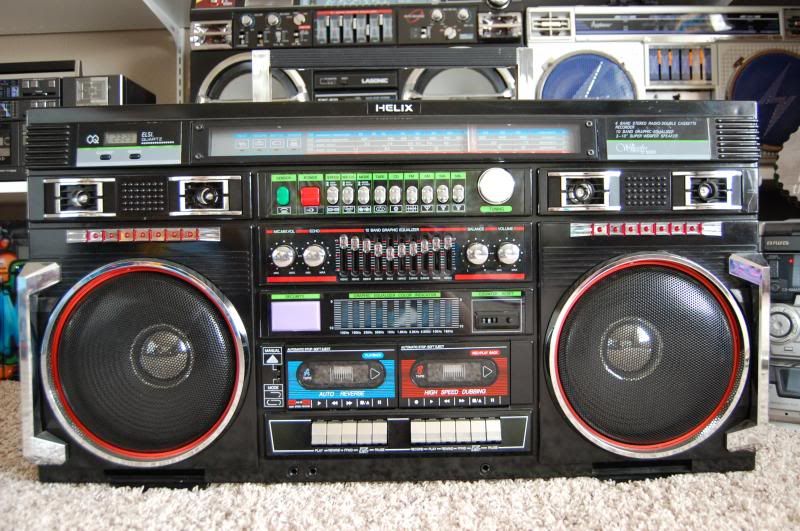
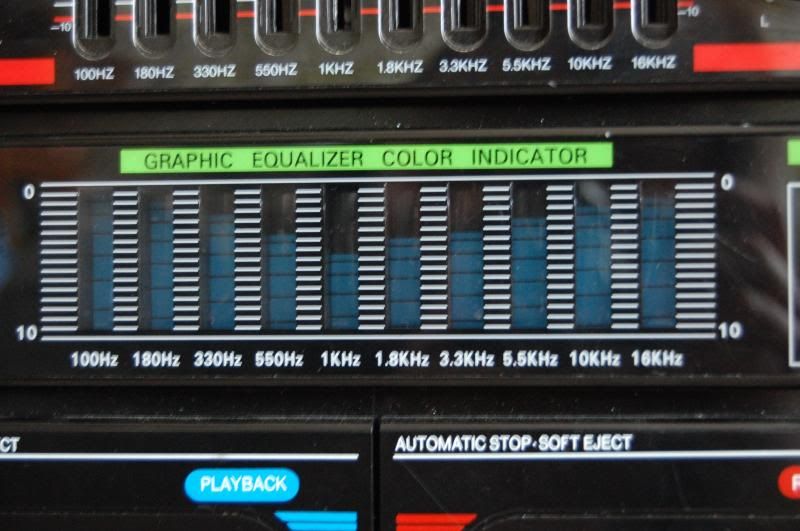
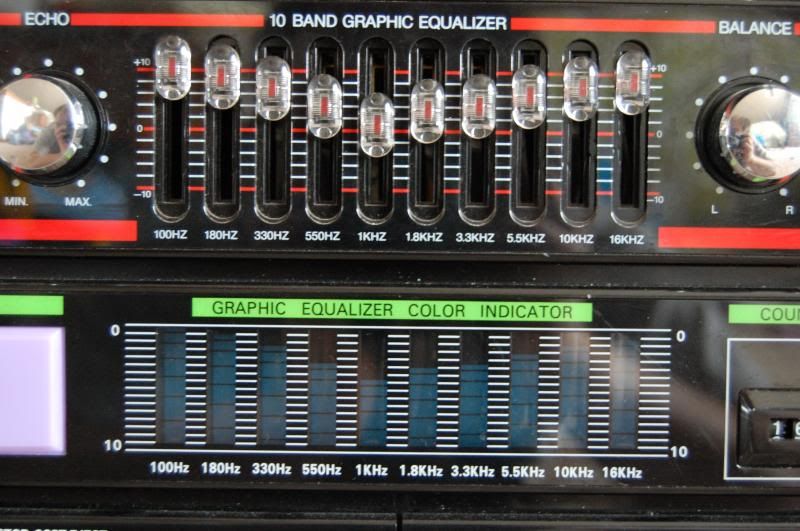

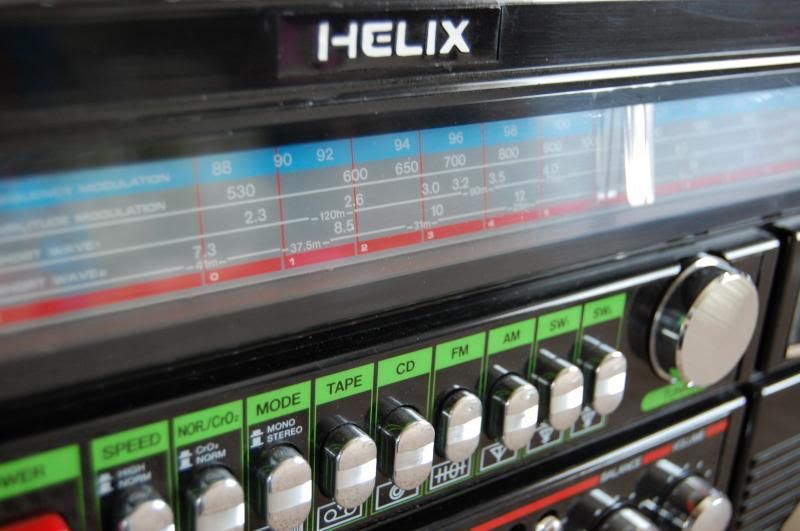
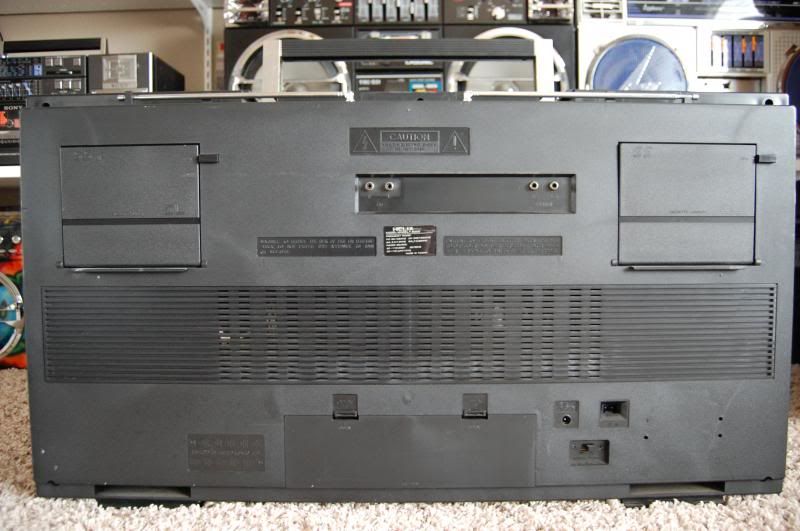

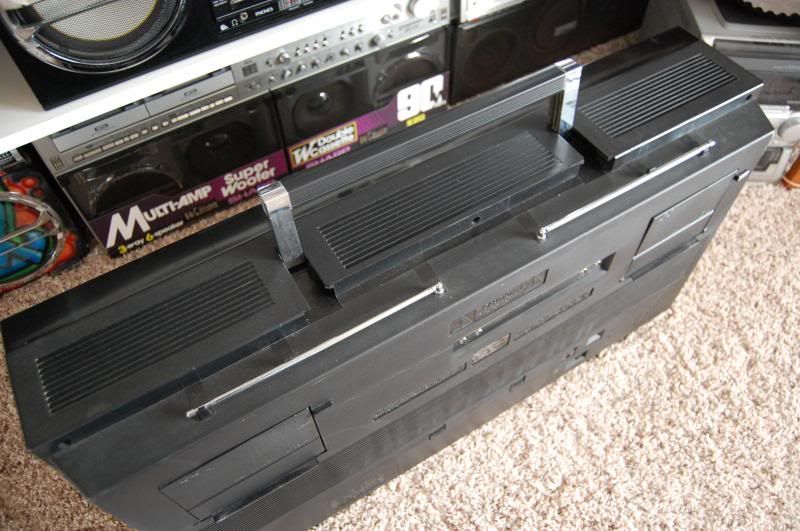
I knew from the day I sold it that I shouldn't have. My wife is kind of pissed, but I wanted it back. It was so mint and worked so well that it would be hard to ever find one like it again. (but knowing my luck, maybe I would
)Here she is back at home.
BoomboxLover48
Boomus Fidelis
- Status
- Not open for further replies.